Open house QR
Create the open house and print that day's code. Put it at the door. Visitors scan, say if they're a buyer or a buyer's agent, and check in from their phone. The open house has its own code, separate from the listing's Property QR.

Product
An open house gets a code for that day. A listing gets a Property QR that stays, and a virtual tour page you can share. Visitors check in on their phone. You see who came, what they thought, and who looked online.
Create the open house and print that day's code. Put it at the door. Visitors scan, say if they're a buyer or a buyer's agent, and check in from their phone. The open house has its own code, separate from the listing's Property QR.
Print it once and leave it with the listing. In the GTA the buyer's agent already booked the private showing in BrokerBay. Vectorly does not book, and it does not replace BrokerBay. When they walk in, they scan and check in.
The first time on a phone, they choose a role, then give a name and mobile. A buyer's agent also gives a brokerage. Next time that phone scans a Vectorly code, it's one tap. "Not you?" starts over on that phone.
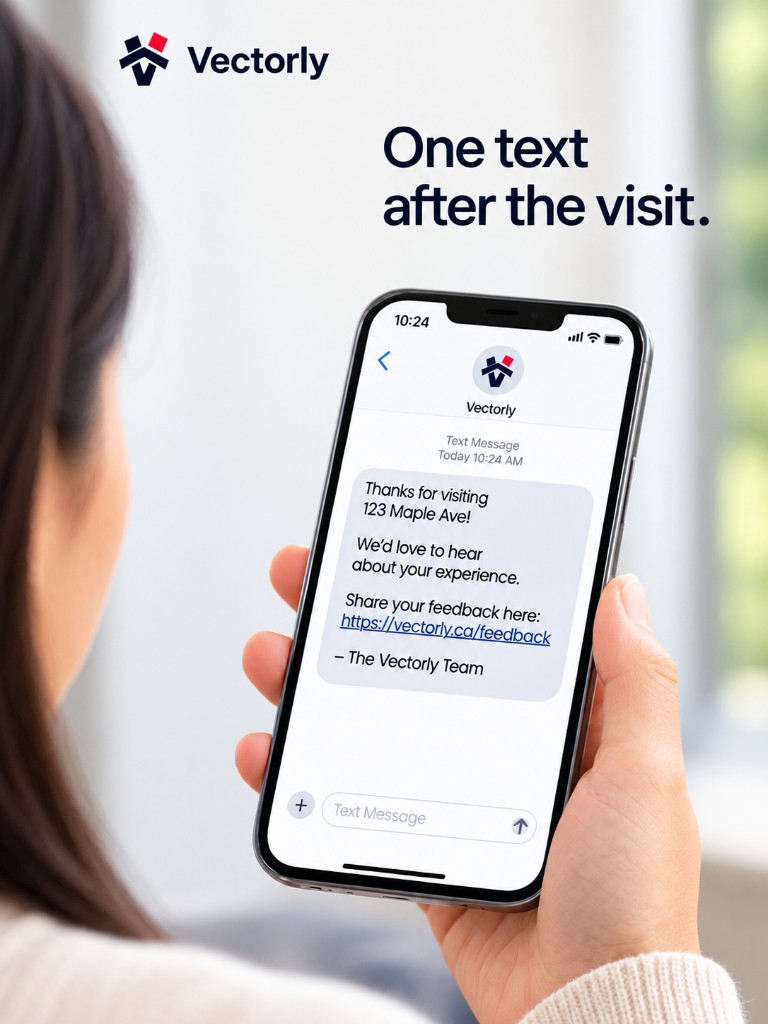
One text after the visit. A rating, what they liked, what they didn't. No stars. They can reply STOP. A buyer answers as a buyer. A buyer's agent answers for the visit they just made.
Thanks for visiting 123 Main Street. One minute of feedback.
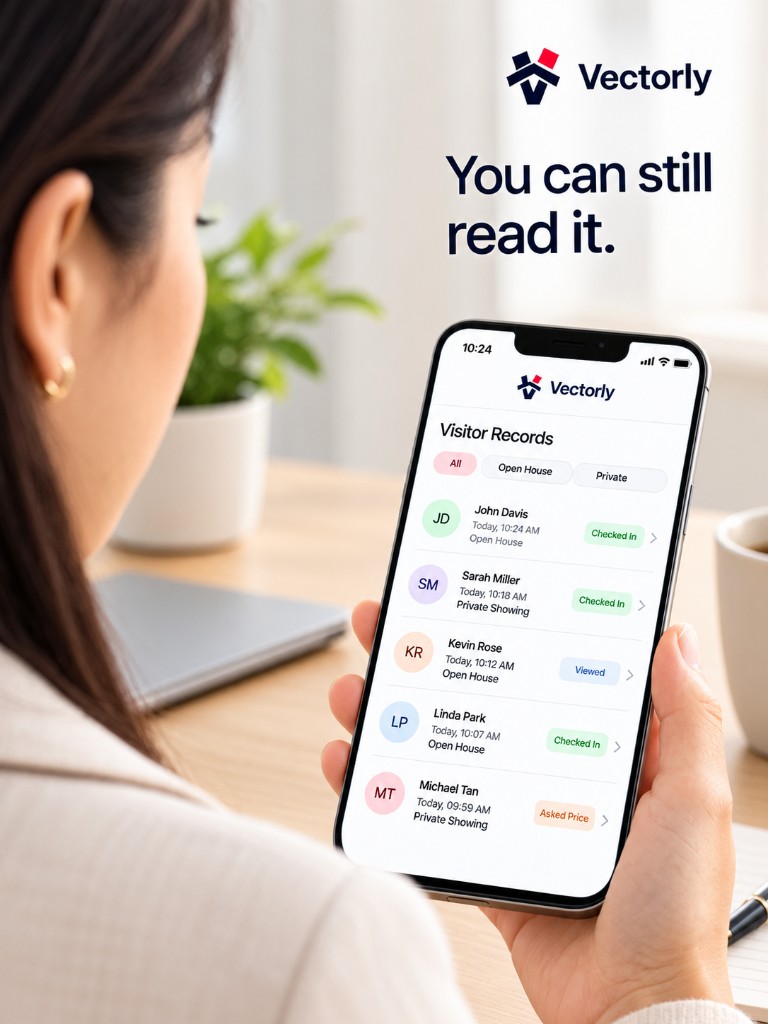
You open the property and see who came, when, which role, and what they said. The visit stays with that listing. It is the record of the visit, not a second place to book appointments.
A clean, branded listing page for buyers: photos, facts, optional Matterport and video, map, open houses, and your contact. Share one link or print the flyer. The dashboard and each property show tour views—so you know which listings get looked at.
Create an account, add the property, and print the code you need.